Kitchen & printers
The kitchen display, and printing kitchen tickets and receipts on popular receipt printers.
Kitchen display
Open Kitchen on a tablet in the kitchen. New orders appear in New; tap Start cooking, then Mark ready, then Served. Use Kitchen / Bar to show only that station's items, and Sound on for an alert when orders arrive.
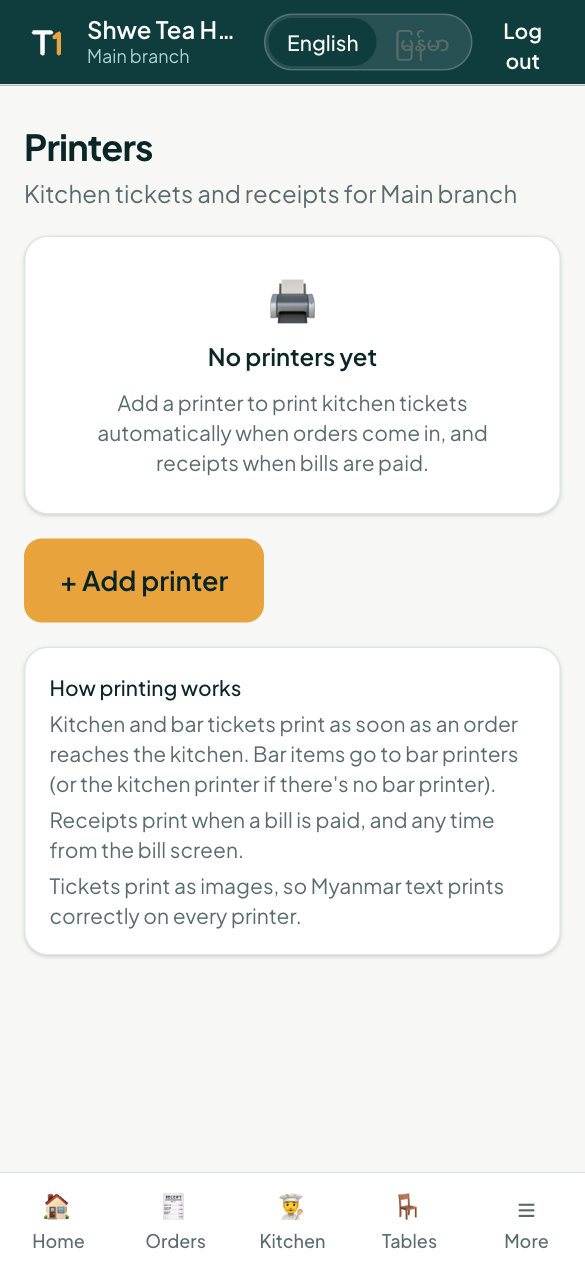
Printers
Open More → Printers → Add printer. Choose what it prints (Kitchen, Bar, Receipts), the paper width (58 or 80 mm) and the language on tickets. Tickets print as images, so Myanmar text prints correctly on every printer.
| Printer | How it connects |
|---|---|
| Star (CloudPRNT) and Epson (Server Direct Print) | Over the internet — works from any phone or tablet, including iPhone. Copy the address shown into the printer's settings. |
| Bluetooth or USB receipt printers (Xprinter and others) | Connect to an Android tablet or a computer running TableOne in Chrome: tap Use on this device. |
| Any printer with a driver | Print from the browser's print dialog. |
Tap Test print to check paper and language. Print automatically prints new orders and paid receipts without anyone tapping.